How do I change an individual speaker segment in a transcript?
Last updated: October 24, 2025
Learn how to edit individual speaker segments in your transcript using CoLoop. Correct speaker labels efficiently after transcription to ensure accurate attributions.
Once you’ve labelled all of the speakers in a transcript in the usual way and the document has been marked as ‘ready’
You can go back and edit individual instances of speaker segments
Simply clicking on the participants name and typing in a new one...
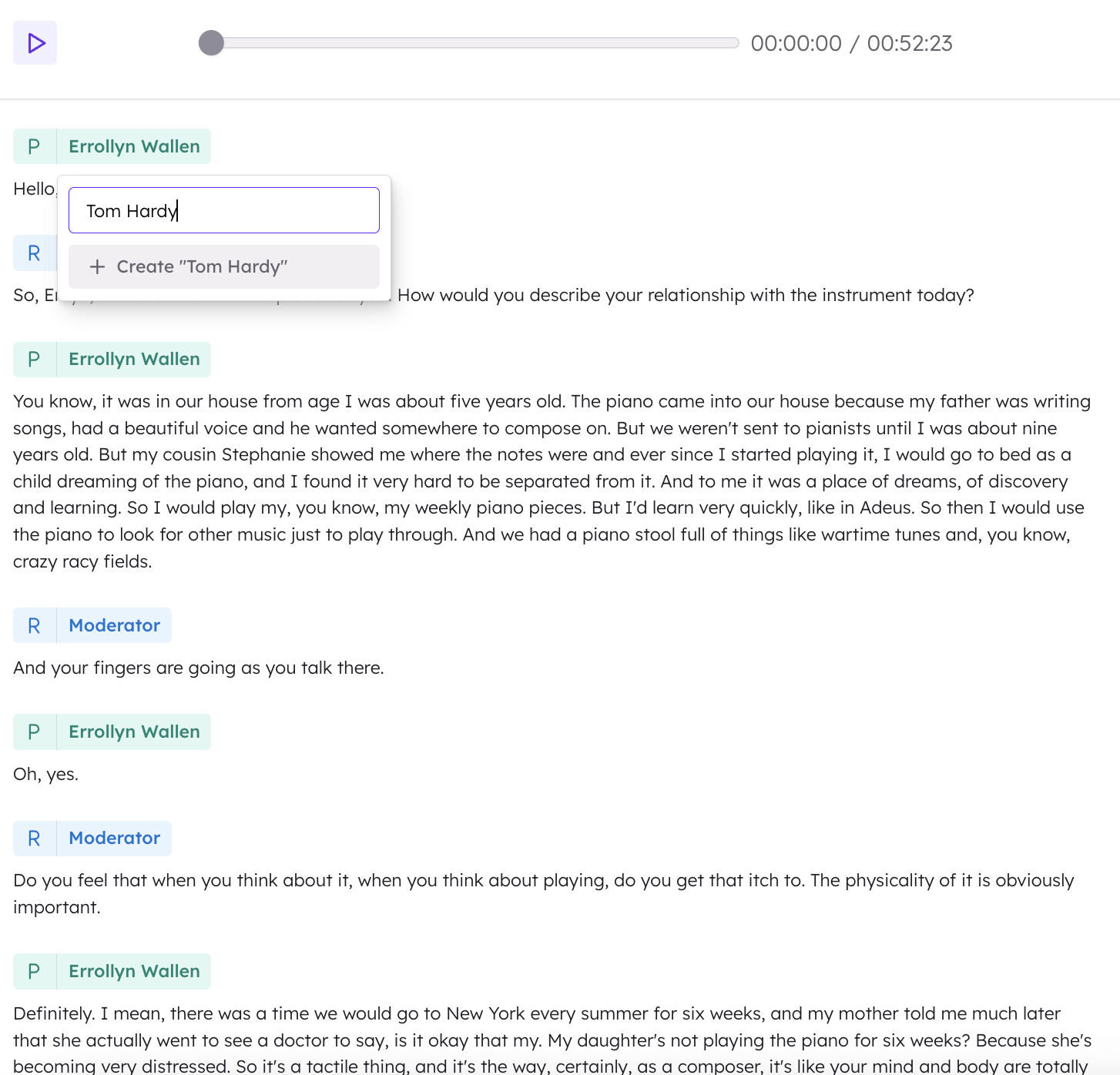
…Will only change that specific instance of the speaker.
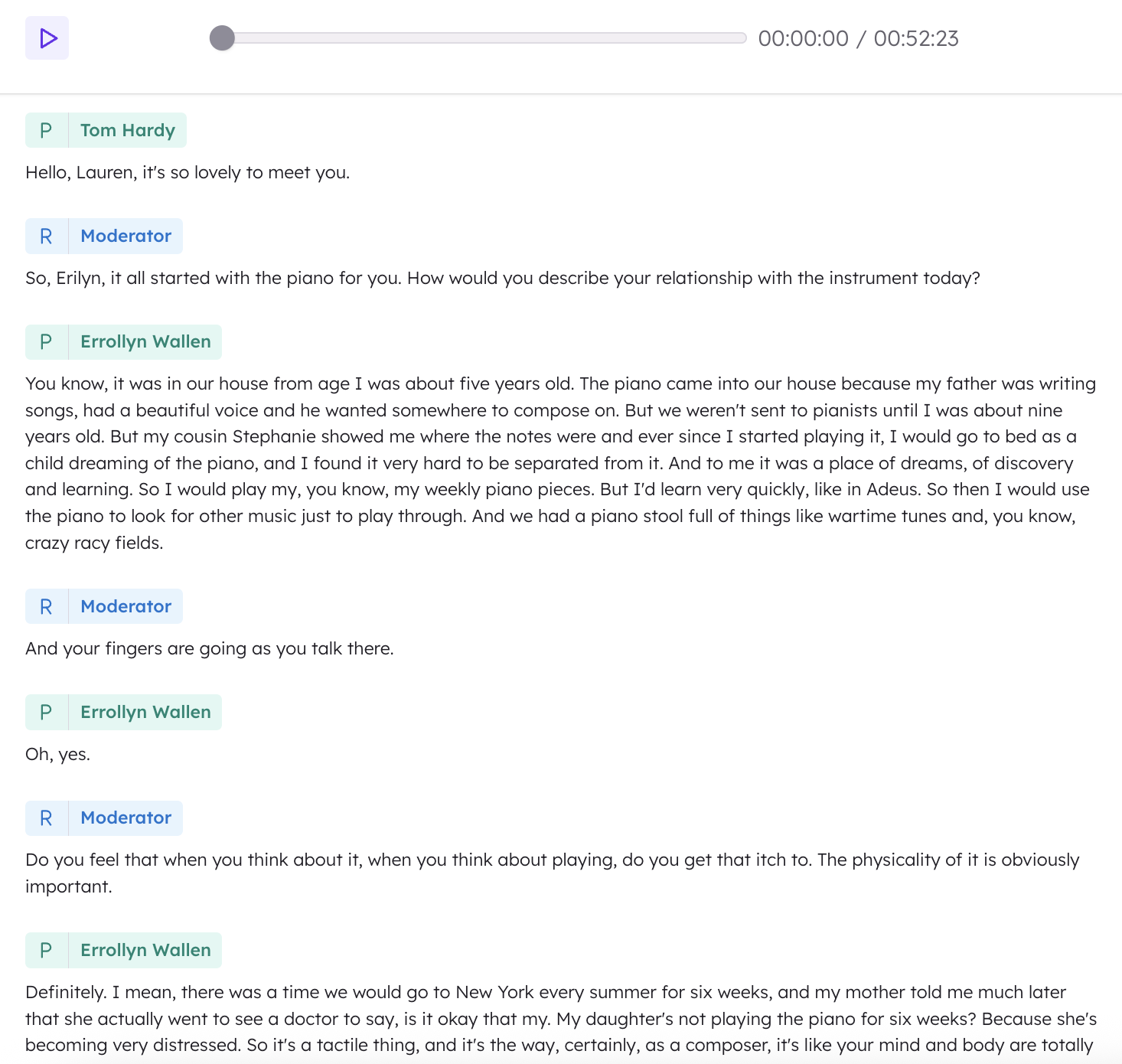
By doing this you can correct any incorrectly labelled segments you may come across.